Idea hub
Tattoo Ideas You Can Preview Before You Ink
Tattoo ideas become easier to evaluate when they are tested on the body area where they may live. InkView connects idea discovery with practical try-on preview.
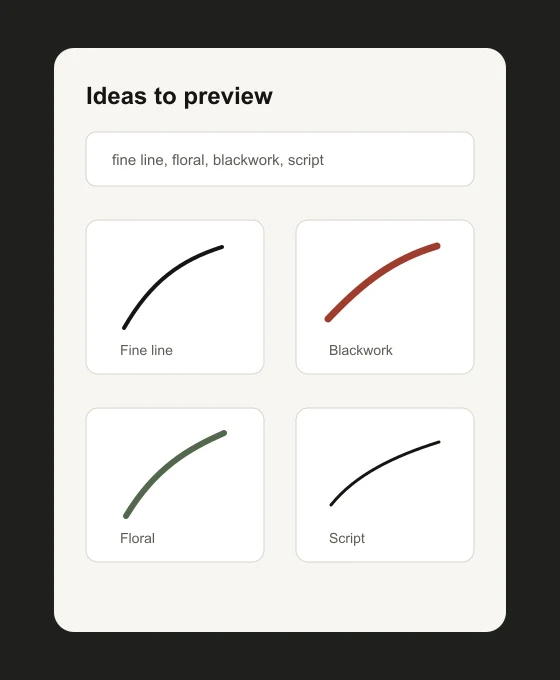
Tattoo ideas become easier to evaluate when they are tested on the body area where they may live. InkView connects idea discovery with practical try-on preview.
tattoo ideas
Start With a Style, Motif, or Placement
Some users begin with style, such as fine line or blackwork. Others start with a motif, like a birth flower, script phrase, or pet memorial. InkView supports both paths because the important step is previewing the idea in context.
Use this hub to move from inspiration into body-photo planning instead of collecting disconnected references.
tattoo ideas
Planning Reference, Not a Final Result
InkView is built for early decision making. The preview can help you compare direction and proportion, but it cannot guarantee how ink will heal, age, or look after a real tattoo session.
Use the saved concept as a starting point for conversation. A professional tattoo artist can adapt line weight, placement, stencil preparation, and skin-specific details before any permanent work begins.
Practical checklist
Before you save the preview
- Choose one idea family before comparing placements.
- Use internal links to move between style and placement guides.
- Keep the saved preview honest and practical.
- Bring the best reference into a tattoo consultation.
Plan before you ink
Browse ideas, then preview the strongest concept on your body photo.
Use InkView to save a concept preview and bring a clearer visual reference to your tattoo consultation.
Related planning pages
Keep comparing
FAQ
Common Questions
Does InkView create a final tattoo stencil?
No. InkView creates a concept preview for planning and discussion. A professional tattoo artist should prepare the final stencil and application plan.
Can I use my own body photo?
Yes. The try-on flow is designed around placing a tattoo idea on a body photo so you can compare size, position, rotation, and blend.
Can I share a preview with a tattoo artist?
Yes. Saved previews can be used as a visual reference when discussing direction, scale, and placement with a professional tattoo artist.
What kind of photo works best?
Use a clear, well-lit photo of the body area with the camera held straight on. Avoid heavy shadows, extreme angles, and cropped skin areas.