Support
InkView Support
Support helps users with app flows, preview behavior, subscription questions, and product feedback. Include the device, iOS version, app version, and a short description when reporting an issue.
Support helps users with app flows, preview behavior, subscription questions, and product feedback. Include the device, iOS version, app version, and a short description when reporting an issue.
InkView support
Before You Contact Support
If a preview looks wrong, try a clearer body photo, reduce shadows, and adjust scale before reporting a bug. If an AI result is not useful, revise the prompt around motif, style, and placement intent.
For direct support, contact support@housesdesign.org. For subscription changes, use Apple account subscription settings because App Store purchases are managed by Apple.
InkView support
Planning Reference, Not a Final Result
InkView is built for early decision making. The preview can help you compare direction and proportion, but it cannot guarantee how ink will heal, age, or look after a real tattoo session.
Use the saved concept as a starting point for conversation. A professional tattoo artist can adapt line weight, placement, stencil preparation, and skin-specific details before any permanent work begins.
Practical checklist
Before you save the preview
- Include app version and iOS version.
- Describe the exact flow where the issue happened.
- Use Apple settings for subscription management.
- Do not send sensitive body photos unless support explicitly requests a safe diagnostic path.
Plan before you ink
Contact support with app version, device, and a short issue summary.
Use InkView to save a concept preview and bring a clearer visual reference to your tattoo consultation.
Related planning pages
Keep comparing
FAQ
Common Questions
Does InkView create a final tattoo stencil?
No. InkView creates a concept preview for planning and discussion. A professional tattoo artist should prepare the final stencil and application plan.
Can I use my own body photo?
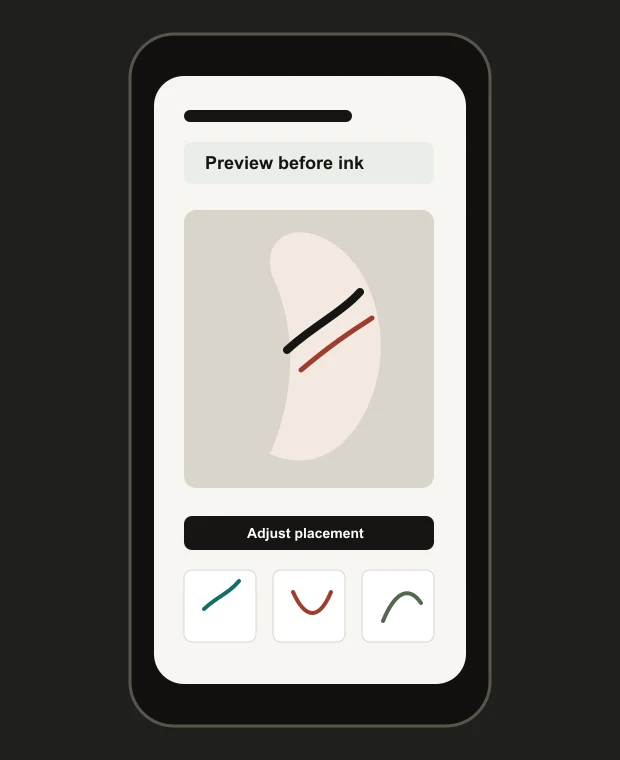
Yes. The try-on flow is designed around placing a tattoo idea on a body photo so you can compare size, position, rotation, and blend.
Can I share a preview with a tattoo artist?
Yes. Saved previews can be used as a visual reference when discussing direction, scale, and placement with a professional tattoo artist.
What kind of photo works best?
Use a clear, well-lit photo of the body area with the camera held straight on. Avoid heavy shadows, extreme angles, and cropped skin areas.