Placement hub
Tattoo Placement Guides
Placement affects how a tattoo reads, moves, and feels on the body. InkView helps users preview tattoo ideas on body photos so placement decisions become clearer before a consultation.
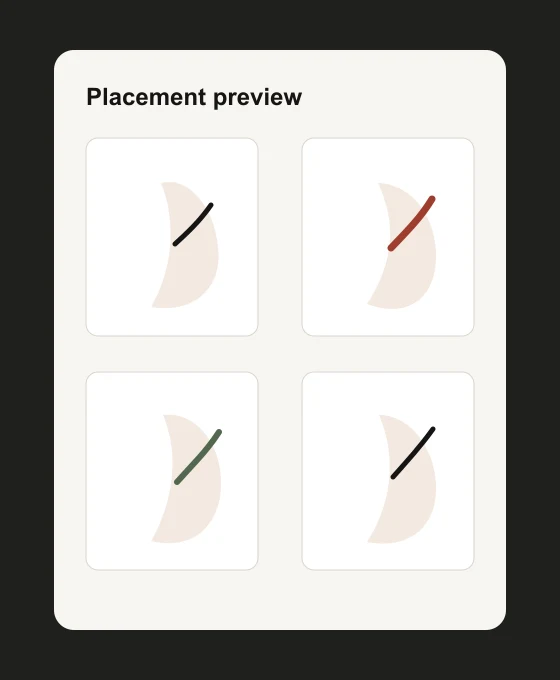
Placement affects how a tattoo reads, moves, and feels on the body. InkView helps users preview tattoo ideas on body photos so placement decisions become clearer before a consultation.
tattoo placement app
Placement Is a Visual Decision
A wrist tattoo, forearm tattoo, shoulder tattoo, and back tattoo can all use the same concept but feel completely different. Body-photo preview helps reveal those differences early.
Use these guides to compare scale, direction, and visibility before turning an idea into a more permanent plan.
tattoo placement app
Photo Tips for Better Preview Decisions
The clearest previews usually come from simple photos: natural light, visible skin area, minimal motion blur, and a direct camera angle. Leave enough space around the area so you can test slightly larger or smaller placements.
If you are comparing multiple ideas, keep the same body photo and change only the tattoo concept. That makes it easier to judge scale and fit without confusing the comparison.
Practical checklist
Before you save the preview
- Compare nearby body areas before choosing one.
- Think about visibility in everyday clothing.
- Check whether the design direction follows the body.
- Use the preview as a reference, not a stencil.
Plan before you ink
Choose a placement by previewing it on a body photo first.
Use InkView to save a concept preview and bring a clearer visual reference to your tattoo consultation.
Related planning pages
Keep comparing
FAQ
Common Questions
Does InkView create a final tattoo stencil?
No. InkView creates a concept preview for planning and discussion. A professional tattoo artist should prepare the final stencil and application plan.
Can I use my own body photo?
Yes. The try-on flow is designed around placing a tattoo idea on a body photo so you can compare size, position, rotation, and blend.
Can I share a preview with a tattoo artist?
Yes. Saved previews can be used as a visual reference when discussing direction, scale, and placement with a professional tattoo artist.
What kind of photo works best?
Use a clear, well-lit photo of the body area with the camera held straight on. Avoid heavy shadows, extreme angles, and cropped skin areas.