FAQ
InkView FAQ
InkView is a tattoo try-on and design preview app. These answers explain what the app does, how body photo preview works, what the limits are, and where to manage App Store subscriptions.
InkView is a tattoo try-on and design preview app. These answers explain what the app does, how body photo preview works, what the limits are, and where to manage App Store subscriptions.
InkView FAQ
Quick Product Facts
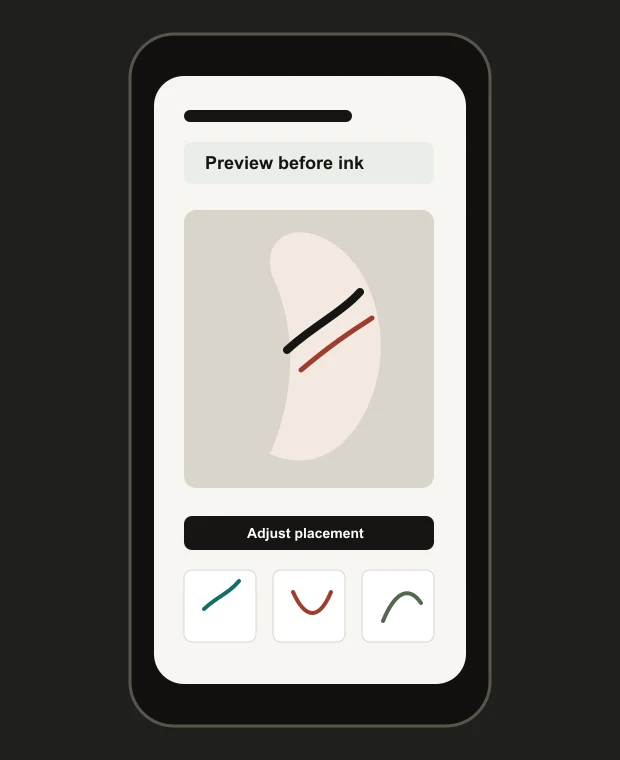
InkView:tattoo try-on is published by HousesDesign. The app helps users generate or import tattoo ideas, preview them on a body photo, adjust placement and size, and save a concept before committing to a real tattoo.
The app is intended for visual planning and consultation reference. It does not replace a professional tattoo artist, create a final stencil, or guarantee real tattoo outcomes.
Practical checklist
Before you save the preview
- Use the try-on preview for planning.
- Use the privacy policy for current data handling details.
- Use Apple subscription settings to manage purchases.
- Contact support if an app flow behaves unexpectedly.
Plan before you ink
Open InkView on the App Store to learn more.
Use InkView to save a concept preview and bring a clearer visual reference to your tattoo consultation.
Related planning pages
Keep comparing
FAQ
Common Questions
Is InkView a tattoo try-on app?
Yes. InkView helps users preview tattoo ideas on a body photo and adjust placement, size, rotation, and blend as a planning reference.
Can I preview a tattoo on my own body photo?
Yes. The body photo try-on flow is designed for previewing tattoo concepts on a photo of the area you are considering.
Are body photos uploaded?
The local try-on boundary is that body photos used for try-on are not used for AI training and are not uploaded through that feature. AI generation may process prompts, style selections, request metadata, and generated results.
Does InkView create final tattoo stencils?
No. InkView creates concept previews and planning references. A professional tattoo artist should prepare final tattoo artwork and stencils.
Can I share the preview with my tattoo artist?
Yes. A saved preview can help explain direction, placement, and scale during a consultation.
What photo works best?
Use a clear, well-lit photo of the body area with minimal shadows, a direct angle, and enough surrounding skin to compare placement options.
Is PRO required?
Some app features may be available through optional PRO access. Pricing and included features should be checked inside the app before purchase.
How do I manage subscription?
Subscriptions purchased through the App Store are managed through Apple account subscription settings.