Body photo try-on
Place a tattoo idea on a body photo to compare fit before a real appointment.
Tattoo Try-On & Design Preview
Preview tattoo ideas on your body photo before you ink. Generate or import concepts, adjust placement and size, and save a reference for your tattoo consultation.
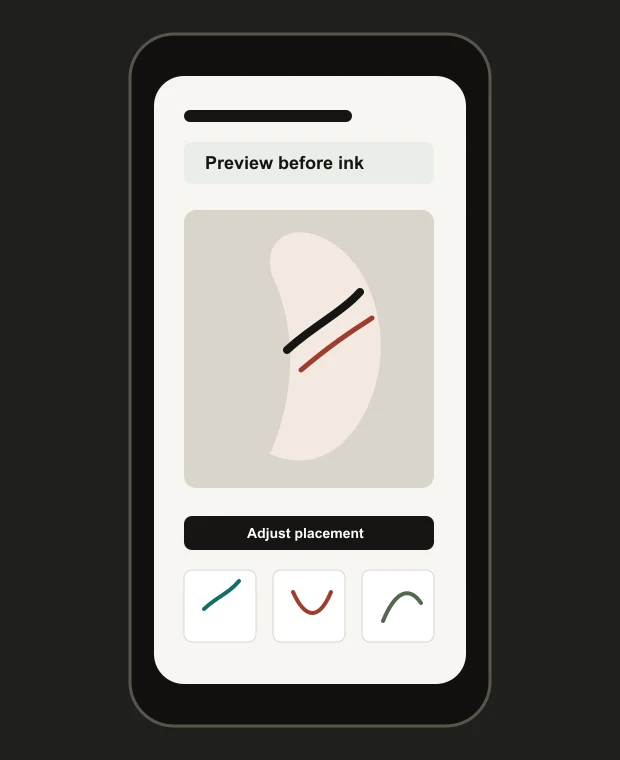
InkView helps users generate or import tattoo ideas, preview them on a body photo, adjust placement and size, and save a concept before committing to a real tattoo.
How it works
Start from an AI idea, your own reference, or a browsed tattoo concept.
Place the concept on a clear body photo to see it in context.
Change position, size, rotation, and blend until the reference is useful.
Keep a concept preview for notes, friends, or a tattoo artist consultation.
Core features
Place a tattoo idea on a body photo to compare fit before a real appointment.
Generate idea directions, then test them in context instead of judging the image alone.
Adjust position, size, rotation, and blend to create a useful planning reference.
Keep a concept preview for friends, notes, or a professional tattoo consultation.
Style preview
Start from a style, then preview the idea on the body area where it may actually sit.
Privacy boundary
Body photos used for local try-on are not used for AI training and are not uploaded through that feature. AI generation may process prompts, style selections, request metadata, and generated results.
FAQ
Yes. InkView helps you preview tattoo ideas on a body photo and adjust placement, size, rotation, and blend before using the result as a planning reference.
No. InkView is for concept preview and planning. A professional tattoo artist should prepare final artwork, stencil decisions, and tattoo application guidance.
Yes. AI generation can help create concept directions, and InkView's value is previewing those ideas on a body photo before you commit.
Body photos used for the local try-on flow are not used for AI training. AI generation may process prompts, style selections, request metadata, and generated results.
Related planning pages
Plan before you ink
Use InkView to save a concept preview and bring a clearer visual reference to your tattoo consultation.